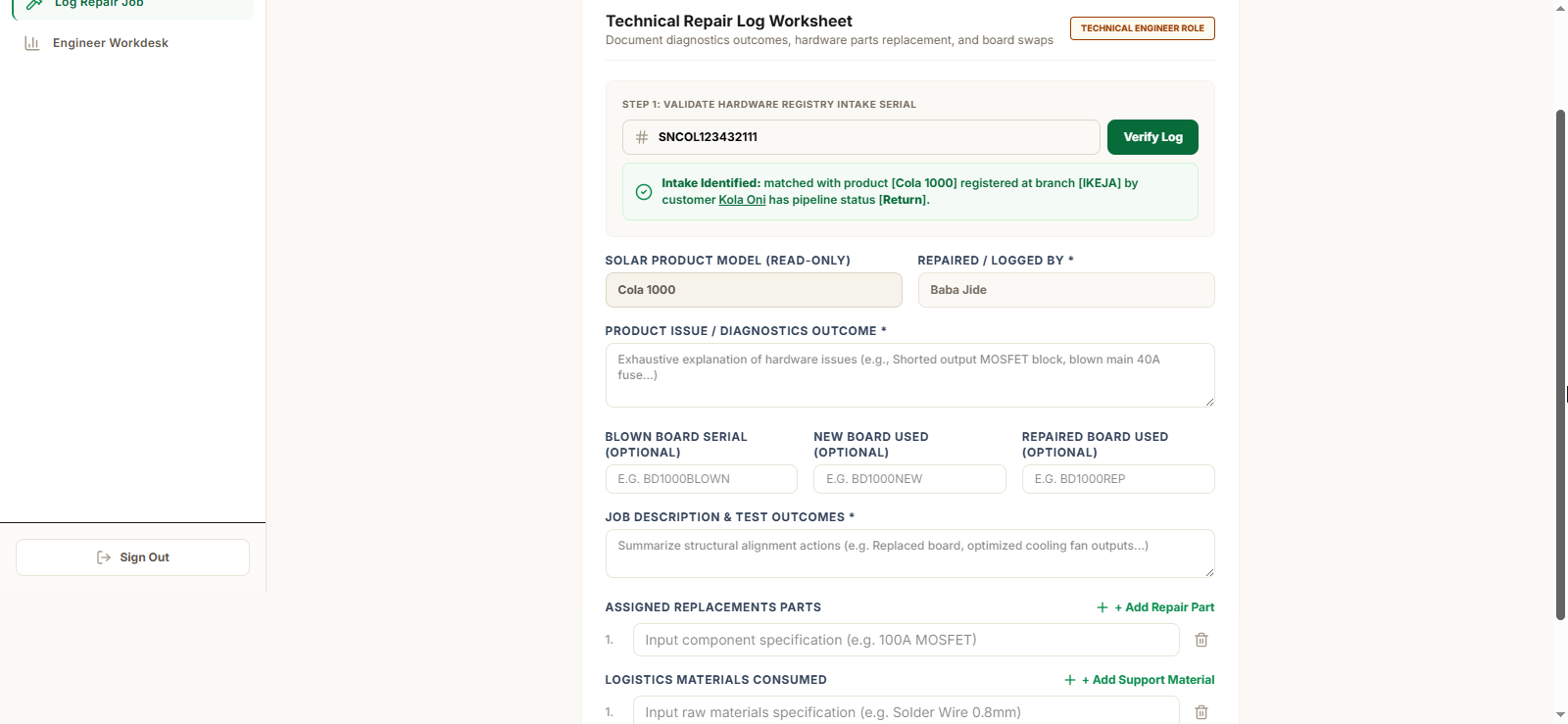
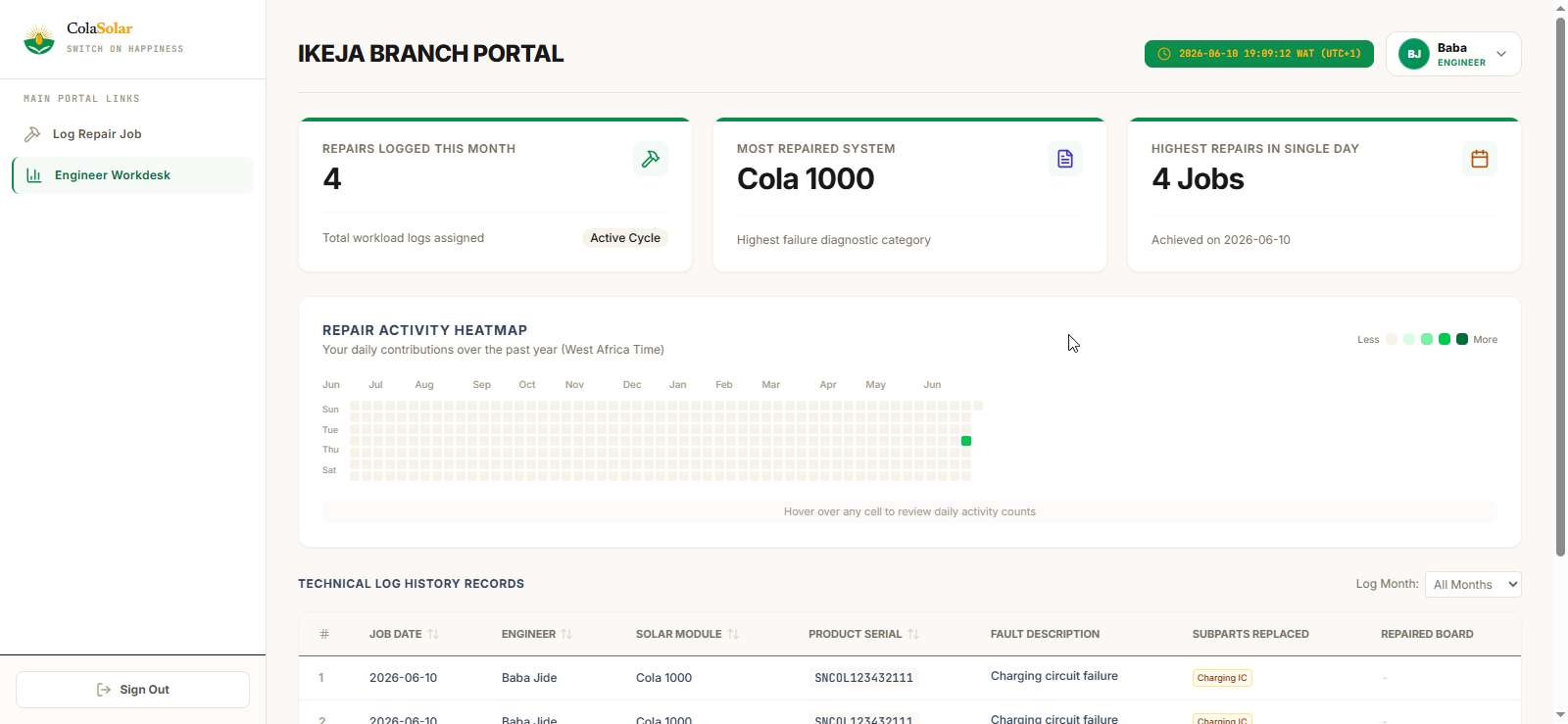
Engineer Dashboard
Engineers use this dashboard to diagnose returned products, record faults, track replacement boards, and complete repair logs.
### Select Intake Record
Open the Engineer Dashboard and select the assigned intake record to begin diagnosis.
### Enter Diagnostic Notes
Diagnose the product and record all identified faults and findings in the diagnostic notes field.
### Add Materials Used
Log any replacement boards or materials used during the repair process.
### Save Repair Record
Review all entries and save the completed repair log to close out the record.