
Account Setup & Security
Learn how to register, log in, manage your profile, and secure your ColaSolar account.
Account Setup & Security
Creating a ColaSolar account is fast, secure, and gives you instant access to verified solar contractors and project management tools.
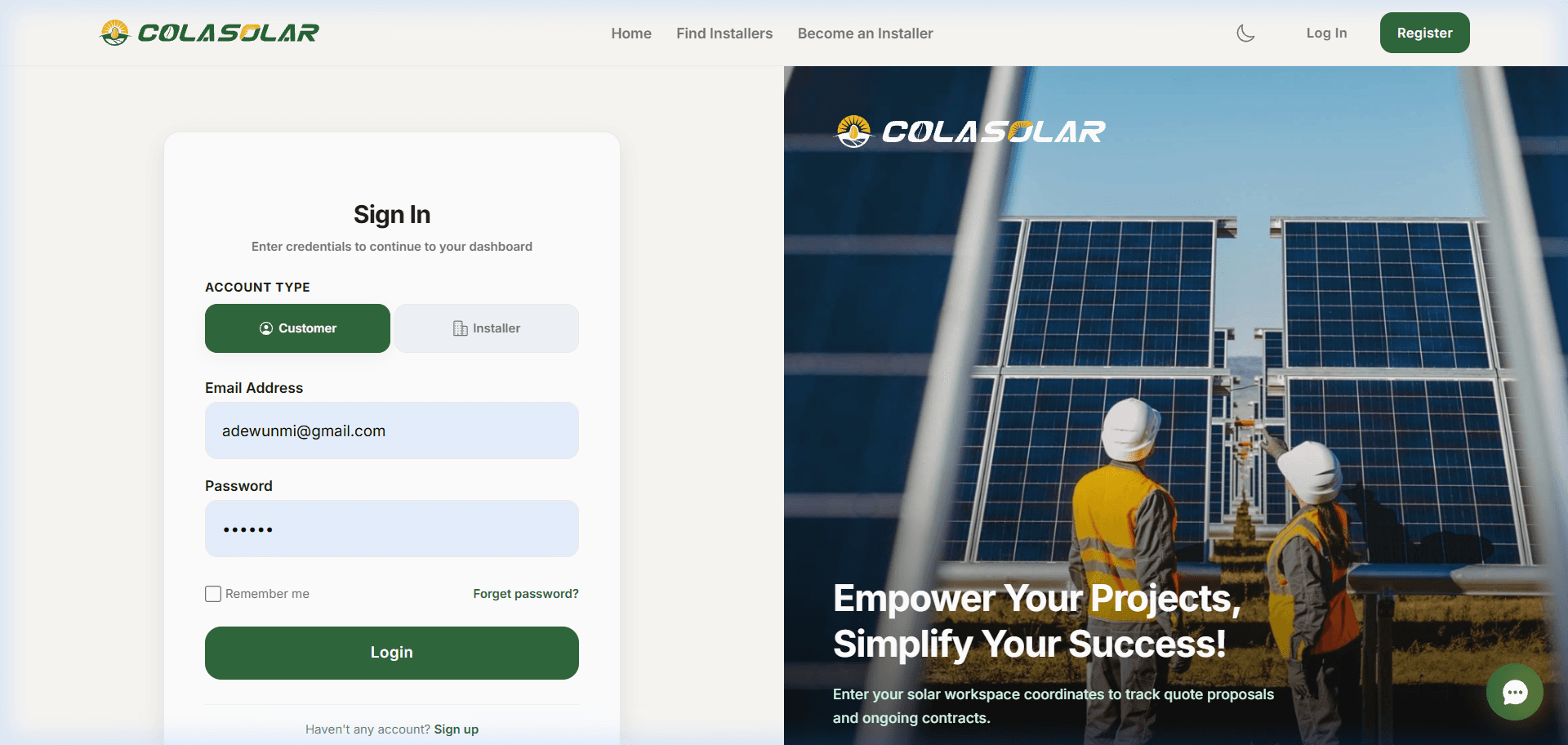
Creating an Account
Click Register
Click the Register button located in the top-right corner of the navigation bar.
Choose Account Type
Select whether you are registering as a Customer / Property Owner or a Certified Solar Installer.
Enter Account Details
Provide your full name, valid email address, and a secure password (minimum 8 characters).
Complete Verification
Submit the form to immediately log into your personalized portal.
Note
Security Note: Your contact details are protected and never sold or exposed to third-party telemarketers.
Signing In
If you already have an account:
- Click Log In on the top navigation bar.
- Enter your registered email address and password.
- Click Sign In to access your dashboard.
Managing Your Account & Profile
Once signed in, access your profile settings anytime from the top-right user menu:
- Update Personal Details: Change your display name, avatar image, phone number, and contact location.
- Role Preferences: Switch between customer and installer views if your account has dual permissions.
- Log Out: Safely terminate your active session across devices.